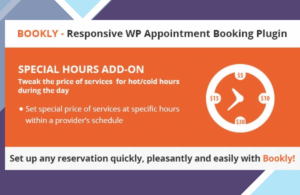
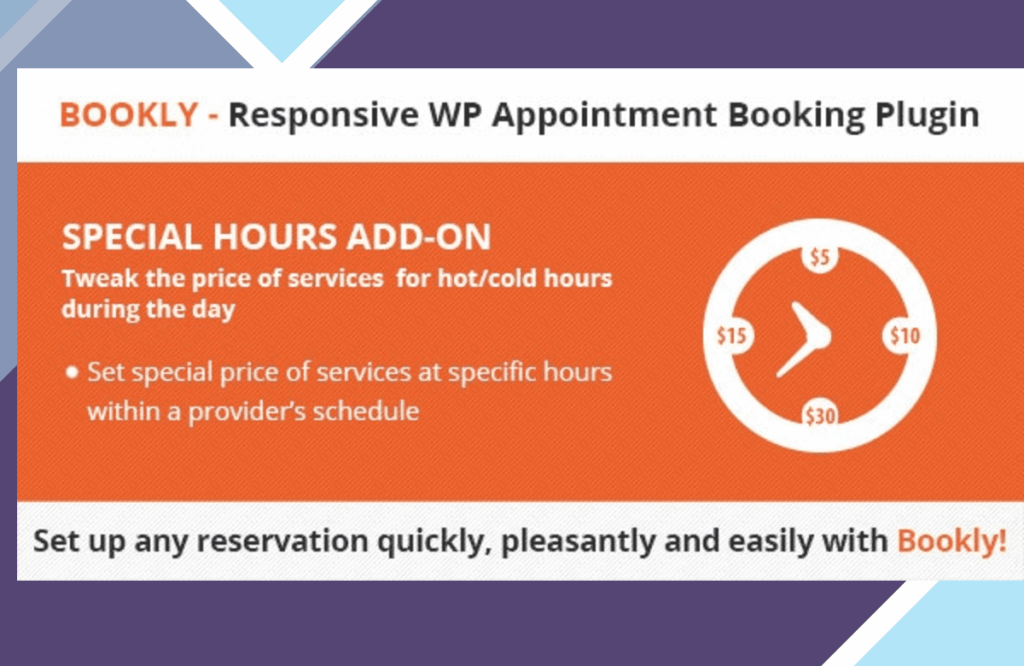
Enhance your clients’ booking experience with Bookly Special Hours, a dynamic WordPress plugin that allows you to tailor specific hours for appointments. Say goodbye to the hassle of managing fluctuating availability on different days—now, your clients can only book during your designated open times. This versatile tool is ideal for service providers like salons, clinics, and consultants, enabling you to personalize your scheduling options to align with your unique business hours effortlessly.
Discover the Key Features
- Set specialized hours for holidays, weekends, and specific days.
- Customize time slots for each offered service for ultimate flexibility.
- Seamless integration with the Bookly plugin for enhanced functionality.
- Display special hours directly on the booking form for transparent client communication.
- Option to establish recurring special hours for regular events or holidays.
- User-friendly interface within the WordPress dashboard for quick adjustments.
- Compatible with various payment gateways integrated into Bookly.
- Receive notifications for bookings made during special hours.
Simple Installation & Effortless Usage
Set up Bookly Special Hours hassle-free by downloading the plugin from your WorldPressIT account and uploading it to your WordPress site via the Plugins section. Activate the plugin and navigate to the Bookly settings to configure your special hours with ease. This plugin is fully compatible with the latest WordPress versions.
Unlock the full premium version of Bookly Special Hours on WorldPressIT at an unbeatable price. Your purchase includes automatic updates, access to all premium features, and is fully GPL licensed for unlimited site usage.
Answers to Your Burning Questions
The Core Functionality of Bookly Special Hours
Bookly Special Hours empowers users to define specific booking hours for appointments, accommodating various schedules and ensuring clients can only book during designated times.
Compatibility with Other Plugins
Bookly Special Hours seamlessly integrates with the Bookly plugin and is compatible with a range of other WordPress plugins that do not disrupt the booking process.
Setting Up Bookly Special Hours on Your Site
To get started with Bookly Special Hours, download it from WorldPressIT, upload it to your WordPress site, and activate it. Then, access the Bookly settings to configure your special hours tailored to your business requirements.
Utilizing Bookly Special Hours with WooCommerce
While designed to work primarily with the Bookly plugin, Bookly Special Hours may not directly integrate with WooCommerce. However, both can coexist on your site without any conflicts.
What’s Included in the Download from WorldPressIT
When you download Bookly Special Hours from WorldPressIT, you unlock the full premium version with all features accessible. Your download includes automatic update notifications, and the file can be utilized on an unlimited number of websites under the GPL license.
Updating Bookly Special Hours
Receive updates from WorldPressIT via automated email notifications once a new version is available, ready for installation on your site. Gladiator members enjoy fully automated updates and priority access to all products and new versions.
Enhanced File Security
Rest assured that all files are original and fully GPL-compliant. To ensure maximum security, we scan every file and version with multiple security tools due to the dynamic nature of the WordPress ecosystem. You are also welcome to verify the files yourself on VirusTotal.com before installation.
Explore a wide array of WordPress Plugins on WorldPressIT to elevate your website’s functionality.